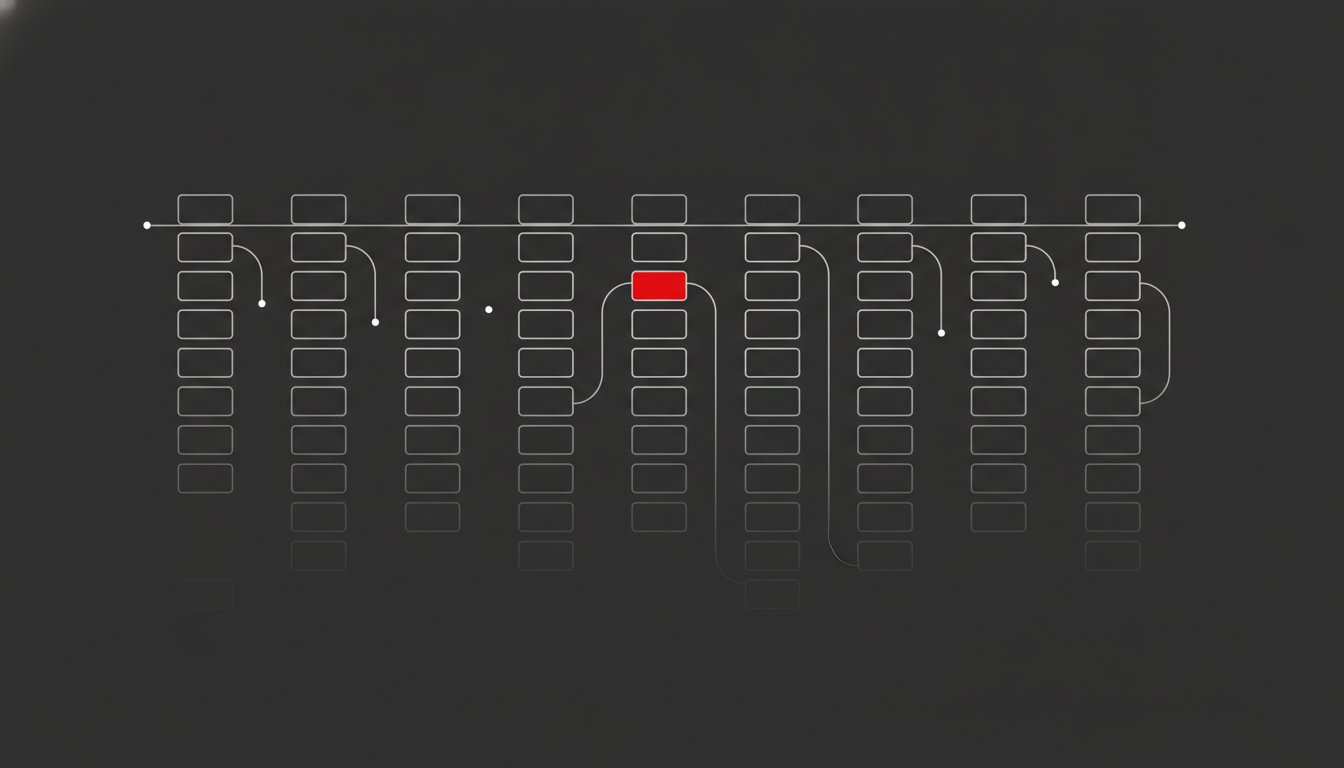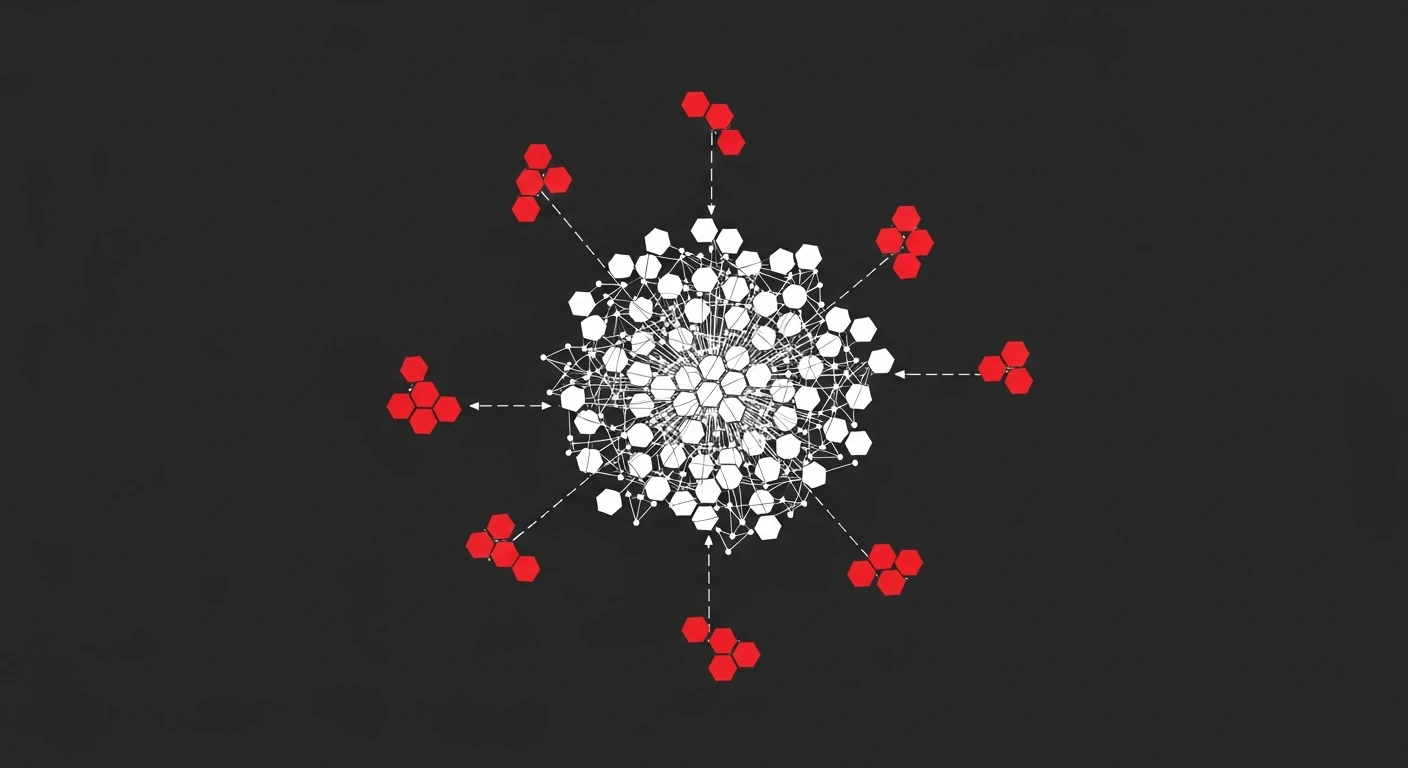
An orphan page is any URL on your site that has no internal links pointing to it — it may sit in your sitemap or even in Google’s index, but nothing on your own site leads a crawler or a user to it. Orphan pages matter because Google relies heavily on internal links to discover, prioritise, and pass authority to your content. A page with strong copy and real search demand behind it will still underperform if it’s structurally invisible.
This happens constantly and quietly. A product line gets migrated, a category gets restructured, a blog post gets published without ever being linked from the hub page it was meant to support — and the page just sits there, technically live, functionally unreachable. In my experience auditing mid-market sites after a CMS migration or a redesign, orphan pages are one of the most common findings, and one of the cheapest to fix once you know where to look.
What Is an Orphan Page, and Why It’s Different From a 404
A 404 is a broken promise — a link points somewhere that no longer exists. An orphan page is the opposite problem: the page exists and works fine, but no promise points to it at all.
That distinction matters for how you fix it. A 404 gets resolved with a redirect or a removed link. An orphan page needs something added — a link from a relevant, already-indexed page — not something removed or redirected.
Orphan pages typically fall into a few recurring buckets:
- Legacy content left behind after a site restructure or a new navigation was shipped.
- Seasonal or campaign pages built for a launch and never linked from permanent navigation.
- Programmatic or paginated pages generated at scale where internal linking wasn’t part of the template.
- New blog posts published and indexed via sitemap, but never referenced from related articles or category pages.
- Filtered or faceted URLs that exist for tracking or ads but were accidentally left crawlable with no on-site path.
Why Orphan Pages Are a Bigger SEO Problem Than They Look
Google’s own documentation on crawlable links is explicit that it uses links to find new pages and to judge relevance — and a page with zero internal links gets neither benefit. It can still be discovered through your sitemap or an external backlink, but it arrives with no internal signal telling Google the page matters.
That has three concrete consequences:
- No PageRank flow. Internal links are how authority moves around your site. An orphan page starts every crawl cycle with none, no matter how strong your domain is overall.
- Lower crawl priority. Search engines allocate finite crawl budget, and pages with no internal links sit lower in that priority queue — meaning slower discovery of new content and slower re-crawling of updates.
- No topical context. Internal links carry anchor text and surrounding content that help Google understand what a page is about. Without them, a page is missing part of the relevance signal that ranks it for the right queries.
Ahrefs’ guide to orphan pages notes that its Site Audit tool sources URLs from both your sitemap and known backlinks specifically because orphan pages, by definition, can’t be found by following internal links alone — which is exactly why they’re so easy to miss with a casual look at your site’s navigation. Across the audits I’ve run, the sites hit hardest are the ones with large blogs or big product catalogues, where a handful of unlinked hub pages can leave hundreds of otherwise good URLs stranded downstream.
The practical effect: content you paid to produce, that targets real demand, quietly caps out at a fraction of the traffic it should get — not because the content is weak, but because it was never structurally connected to the rest of the site.
Orphan Pages Matter Even More for AI Search
Site architecture doesn’t just serve Googlebot anymore. The crawlers behind AI Overviews and answer engines lean on the same discovery mechanics — links, sitemaps, crawl frequency — to decide what’s worth surfacing and citing. A page with no internal links is just as invisible to an LLM’s retrieval pipeline as it is to classic organic search, arguably more so, since generative systems tend to favour well-connected, clearly-scoped pages over isolated ones with no surrounding topical context.
If AI visibility is part of your strategy, fixing orphan pages isn’t optional cleanup — it’s a prerequisite. You can’t optimise a page for citation in an AI answer if the systems generating that answer never reliably find the page in the first place.
How to Find Orphan Pages on Your Site
Finding orphan pages is a matching exercise. You need three independent lists of URLs, and orphan pages are whatever shows up on some lists but never gets discovered by following links.
Step 1: Crawl your site like a bot would. Run a full crawl with Screaming Frog, Sitebulb, or a similar tool, starting from the homepage and following links only. This produces the list of URLs your site actually connects internally.
Step 2: Pull every URL you know should exist. Export your XML sitemap, your CMS’s full page list, and your Google Search Console “Pages” report (indexed and discovered-but-not-indexed both matter here).
Step 3: Cross-reference. Any URL that appears in your sitemap, GSC, or analytics, but never showed up in the link-following crawl, is an orphan page. Spreadsheet software or a simple VLOOKUP handles this at small scale; for larger sites, most crawlers have a built-in “orphan pages” report that automates the comparison.
Step 4: Check log files for the ones you might still be missing. If Googlebot is actually visiting URLs your crawl never reached through links, your server logs will show it, and that’s your confirmation the page is being found through the sitemap or an external link only. This is the same log data used for broader crawl efficiency work — see my guide on log file analysis for the full process.
This is exactly the kind of structural gap a proper SEO audit is built to catch — it’s rarely visible from the front end, and it compounds the longer it goes unaddressed.
No single tool catches everything. Crawlers only find what’s linked; sitemaps only list what a developer remembered to include; log files only show what Googlebot actually requested. Running all three against each other is what closes the gap — relying on just one of them is how orphan pages survive audit after audit without ever getting caught.
How to Fix Orphan Pages: A Practical Process
Once you have your list, don’t just start linking indiscriminately. Triage first.
- Score each orphan page on value. Check historical organic traffic, existing backlinks, and current relevance to what the business sells today. A page with backlinks and search demand is worth saving; a five-year-old campaign page for a discontinued product usually isn’t.
- Decide: reintegrate, consolidate, or remove. High-value pages get linked back in. Thin or overlapping pages get merged into a stronger, single URL with a 301 redirect. Genuinely obsolete pages get removed and the URL returns a proper 404 or 410, not a soft, silently orphaned zombie.
- Add contextual internal links from relevant, already-linked pages. The link should come from a page that’s topically related and already gets crawled regularly — a category page, a hub article, or a related blog post. Anchor text should describe the destination page naturally, not stuff the exact-match keyword.
- Add the page to navigation or a relevant hub if it warrants ongoing visibility. Not every page needs a main-nav slot, but commercially important pages usually need more than one inbound path.
- Resubmit through Google Search Console once links are live, and confirm re-crawl and indexation over the following weeks.
- Track the outcome, not just the fix. Log the page’s crawl frequency and indexation status before and after. A page that goes from “discovered, not indexed” to fully indexed and picking up impressions within a few weeks confirms the fix worked; if it doesn’t move, the page likely has a content or relevance problem underneath the structural one.
This is fundamentally an internal linking exercise, and it’s one of the highest-leverage technical fixes available because it doesn’t require new content — you’re just connecting content you already have.
Don’t Forget Pages With External Backlinks
Some orphan pages already have something more valuable than an internal link: an external backlink pointing straight at them. That’s link equity arriving from outside your site with nowhere internal to flow to once it lands, because the page itself is disconnected from the rest of your architecture.
Cross-check your orphan page list against your backlink profile before you decide what to consolidate or remove. A page with zero internal links but a handful of solid referring domains is not a candidate for deletion — it’s a priority for reintegration, and arguably one of the fastest wins on the list, since the external authority is already sitting there waiting to be put to use. If backlink equity is a meaningful part of your growth plan, this is worth folding into a broader link building review rather than treating it as an isolated technical fix.
Preventing Orphan Pages Before They Happen
Fixing existing orphan pages is a one-time project. Preventing new ones is a process change, and it’s the part most teams skip.
- Build internal linking into your publishing checklist. No page goes live without at least two or three contextual internal links from existing, indexed content.
- Audit navigation and templates after every migration or redesign. Structural changes are the single biggest generator of new orphan pages — old sections lose their links even when the content itself survives the move.
- Review programmatic and faceted templates for automatic internal linking, not just sitemap inclusion. A template that generates thousands of URLs needs a linking pattern baked in from day one, or you’ll be fixing orphan pages at scale later.
- Run a quarterly orphan-page check as part of ongoing technical maintenance, not just during a full audit cycle.
Getting this right is less about tooling and more about making internal linking a standing part of how content and dev teams ship work — which is usually where an outside SEO consulting engagement earns its keep, by building the checklist once rather than re-auditing the same problem every year.
Orphan pages are one of the few SEO problems that are entirely within your control to fix, with no dependency on Google, competitors, or algorithm updates — just on connecting the content you’ve already built to the rest of your site.
Frequently Asked Questions
What is an orphan page in SEO?
An orphan page is a URL on your site with zero internal links pointing to it. It might still exist in your CMS, your sitemap, or even Google’s index, but nothing on your own site links to it, so crawlers and users have no path to find it through normal navigation.
How do I find orphan pages on my website?
Cross-reference three URL lists: a full crawl of your site (Screaming Frog or Sitebulb), your XML sitemap, and your Google Search Console index or your analytics landing pages. Any URL that appears in the sitemap or in GSC but never surfaces during the crawl is an orphan page.
Do orphan pages actually hurt rankings?
Yes, indirectly but significantly. Orphan pages get no internal PageRank, get crawled less often or not at all, and Google increasingly treats a lack of internal linking as a signal that a page isn’t important. On large sites, orphan URLs also waste crawl budget that should go to pages you actually want ranked.
Is it normal to have some orphan pages on a large site?
A handful is common after migrations, campaign pages, or CMS quirks, and isn’t worth panicking over. It becomes a real problem when orphan pages make up a meaningful share of your indexable URLs, or when they include commercially important pages like product, service, or high-intent blog content.