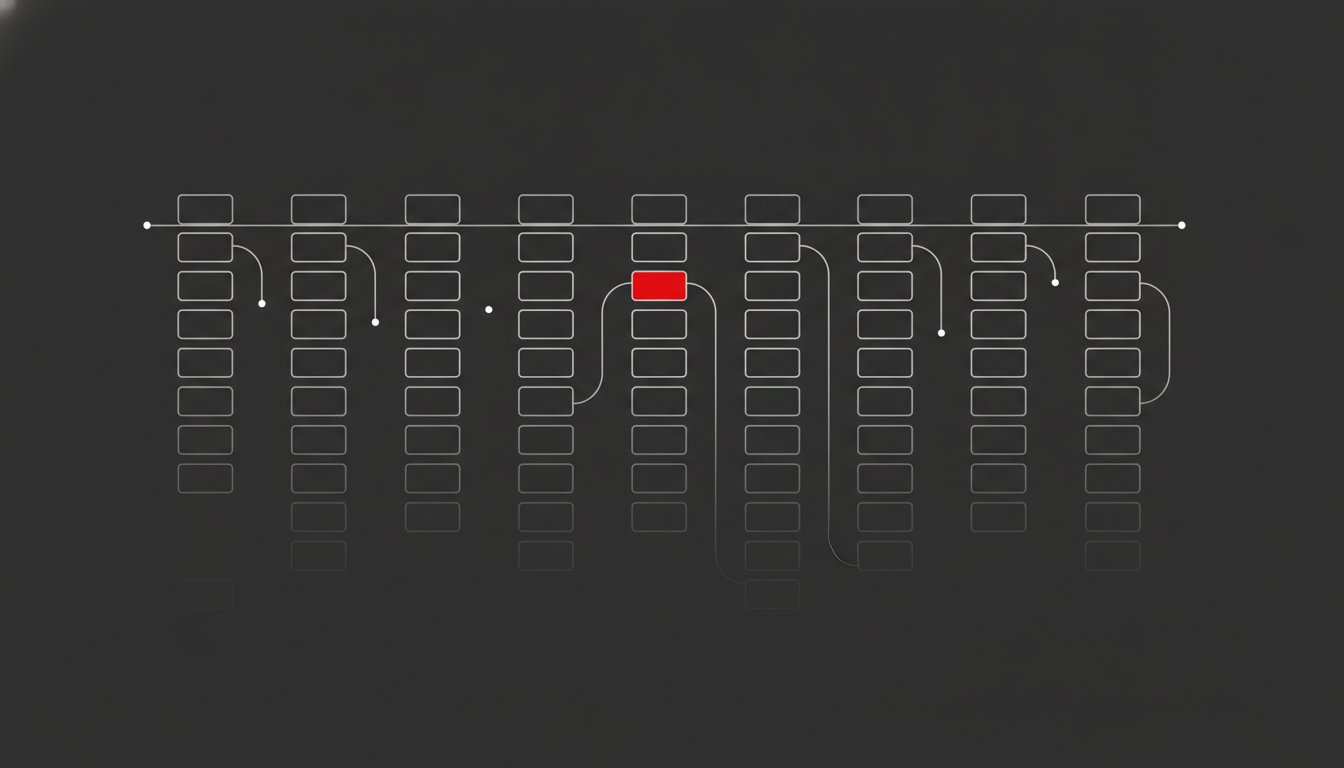
Crawl budget optimization is the practice of making Googlebot spend its limited crawling on the pages that actually matter, instead of wasting it on duplicates, parameter URLs, redirect chains, and dead pages. It is not about forcing Google to crawl more — it is about removing the crawl waste that stops your important pages being discovered and refreshed quickly. For large sites, this is the difference between new pages getting indexed in hours versus weeks.
Most sites do not need this. If you have a few thousand stable pages, Google crawls everything in one pass and crawl budget is a non-issue. But if you run an ecommerce catalogue, a marketplace, a publisher, or any site north of ten thousand URLs, crawl efficiency quietly decides how fast your work shows up in search.
In my experience auditing large sites, the crawl problem is almost never a server problem. It is a URL inventory problem. Google is crawling tens of thousands of URLs that should never have existed.
What Crawl Budget Actually Is
Google defines crawl budget through two forces: crawl capacity limit and crawl demand.
Crawl capacity limit is the maximum number of simultaneous connections Googlebot will open to your site, plus the delay between fetches. It rises when your server responds fast and cleanly, and drops the moment Googlebot sees slow responses or 5xx errors. Your server health directly throttles how aggressively Google crawls.
Crawl demand is how much Google wants to crawl you. It is driven by the popularity of your URLs, how stale Google thinks your content is, and what Google calls “perceived inventory” — its estimate of how many worthwhile URLs you have. Duplicate and low-value URLs inflate perceived inventory and dilute demand across junk.
Your effective crawl budget is the lower of those two. According to Google’s crawl budget documentation, the only two levers that genuinely raise it are adding server resources and improving content quality. Everything else is about not wasting what you already have.
When it actually matters
Google’s own thresholds are specific: crawl budget becomes a real concern at one million or more unique pages updated weekly, or ten thousand or more pages that change daily. Gary Illyes confirmed in 2025 that the one-million-page threshold has not moved since 2020.
In practice I treat 10,000 URLs as the point where it is worth a look, and 100,000 as the point where it needs active management. Below that, focus on technical SEO fundamentals and content instead.
How to Diagnose Crawl Waste
You cannot optimize what you cannot see. Diagnosis comes from two sources: Search Console and your raw server logs.
Start with the Crawl Stats report in Search Console (Settings → Crawl stats). It gives you 90 days of crawl requests, average response time, and a breakdown by response code, file type, and purpose. Three patterns signal waste:
- A high share of crawls returning 3xx (redirects) or 4xx/5xx codes
- Average response time creeping above 300ms
- A large “Discovered – currently not indexed” bucket in the Pages report (its sibling status has a different root cause — see crawled – currently not indexed)
Crawl Stats only samples, though. For the real picture you need log file analysis — the server access logs showing every Googlebot request. This is where crawl waste becomes undeniable.
The numbers are usually ugly
Across the ecommerce sites I have audited, a consistent finding holds: roughly 38% of URLs Googlebot crawls generate zero organic traffic. That is over a third of your crawl budget spent on faceted-navigation combinations, session parameters, internal search results, and paginated tails that will never rank.
The crawler landscape makes this worse. Cloudflare’s December 2025 data showed Googlebot crawling 11.6% of all sampled unique pages and generating over a quarter of verified bot traffic. But overall crawler traffic grew 18% in 2025, with GPTBot up 305% — and AI crawlers competing for your server’s attention can suppress the capacity Googlebot has available. A bloated, slow site now pays a double tax.
A Crawl Budget Optimization Framework
Here is the sequence I work through on every large-site audit. Do it in order — fixing server speed before you have cut crawl waste just lets Google crawl your junk faster.
1. Map your real URL inventory
Crawl the site yourself (Screaming Frog, Sitebulb, or similar; which technical SEO tools earn a licence depends on site size) and cross-reference against your logs and XML sitemaps. You are looking for the gap between URLs that should exist and URLs Googlebot is actually hitting. That gap is your problem list. The same cross-reference also surfaces the opposite problem — orphan pages that sit in your sitemap or logs but that no internal link on your site actually points to.
2. Kill the crawl traps
The usual culprits, in order of impact:
- Faceted navigation and URL parameters generating near-infinite combinations
- Internal search result pages being crawled and sometimes indexed
- Session IDs and tracking parameters creating duplicate URLs
- Soft 404s — empty or thin pages returning 200 instead of 404
- Redirect chains that burn one crawl per hop
3. Apply the right directive to each
This is where most teams go wrong. The tool has to match the goal:
- robots.txt Disallow — to stop crawling of low-value URL patterns (parameters, internal search). This redirects crawl effort; it does not increase budget. If you are unsure how to write the rules, the robots.txt for SEO guide covers the syntax and the traps.
- noindex — only for pages you want crawled but not indexed. Note: noindexed pages still consume crawl budget, so it is not a crawl-saving tool.
- 404/410 — for genuinely removed pages. Return real status codes, not soft 404s.
- Canonical tags — to consolidate duplicate signals, though Google treats these as hints, not commands. The full rulebook is in the dedicated guide to canonical tags and duplicate content.
Blocking in robots.txt and noindex solve different problems. Confusing them is the single most common crawl-budget mistake I see.
4. Tighten your sitemaps
Your XML sitemap should contain only canonical, indexable, 200-status URLs — and accurate <lastmod> timestamps. Google leans on <lastmod> to prioritise recrawls, and a sitemap full of redirects and 404s teaches Google to trust it less. A clean sitemap is one of the cheapest crawl-efficiency wins available; see the XML sitemaps guide for the full audit process.
5. Fix server response time last
Once you have cut the waste, make the remaining crawls cheap. Faster server responses let Googlebot raise your crawl capacity limit, and data shows improving response time can multiply daily crawl rate several-fold. That makes TTFB optimization pay for itself twice: once in Core Web Vitals and once in crawl capacity. This is also where rendering matters: heavy client-side JavaScript inflates crawl cost, which is why JavaScript SEO and crawl budget are tightly linked on modern stacks.
Common Mistakes That Waste Crawl Budget
A few patterns show up again and again, even on sophisticated sites:
Treating noindex as a crawl-saver. Noindexed pages are still crawled. If you want to save crawl budget, you have to block crawling, not just indexing.
Blocking pages you have already noindexed. If a page is blocked in robots.txt, Google cannot see the noindex tag on it — so it can stay in the index as a URL-only entry. Block or noindex, depending on intent, not both.
Leaving old redirects to chain. Every 301 hop is a wasted crawl. Audit redirects so they point straight to the final destination.
Ignoring rendering cost. On JavaScript-heavy sites, rendering each page is far more expensive than fetching static HTML, and that cost comes out of your crawl budget.
These are exactly the issues a proper technical SEO audit surfaces, and they are usually fixable in weeks, not months.
AI Crawlers Are Now Part of the Equation
Crawl budget used to be a conversation about Googlebot alone. In 2026 it is not. The same server capacity that determines how aggressively Googlebot crawls you is now shared with a growing fleet of AI crawlers — GPTBot, ClaudeBot, PerplexityBot, and others — all hitting your infrastructure.
The growth is steep. Overall crawler traffic rose 18% in 2025, and GPTBot alone grew 305%. On some sites, AI crawlers consume a meaningful slice of bandwidth that was previously available to search crawlers. When your server starts straining under that combined load, Googlebot is the one that backs off — it lowers your crawl capacity limit to avoid degrading your site for real users.
This changes the maths in two practical ways.
First, server performance is now doubly important. A fast, well-provisioned server absorbs AI crawler load without throttling Googlebot. A marginal one does not. If you have seen unexplained drops in Googlebot crawl rate over the past year, check your logs for AI bot volume before assuming Google deprioritised you.
Second, you have a decision to make about AI crawlers. You can allow them (to be cited in AI answers and stay visible in generative search), block them in robots.txt to reclaim capacity, or rate-limit them. There is no universally right answer — it depends on whether AI referral traffic and brand visibility matter to your business. But it should be a deliberate choice, not an accident. I cover the visibility side of this in more depth in the GEO playbook.
The point for crawl budget is simple: your URL inventory and your server headroom are now serving more masters. Cutting crawl waste matters more in 2026 than it did in 2020, because there is more competition for every request your server can serve.
How This Connects to the Bigger Picture
Crawl budget optimization is plumbing. It does not win rankings on its own — but broken plumbing quietly caps everything else you do. If Google cannot efficiently discover and refresh your important pages, your content and link work never gets the chance to compound. For large sites especially, it is foundational work that I fold into broader SEO consulting rather than treating as a one-off task.
Get crawl efficiency right and the payoff is concrete: new pages indexed faster, updates reflected sooner, and Google’s finite attention pointed at the URLs that actually drive revenue. That is the entire goal of crawl budget optimization — not more crawling, just smarter crawling. To see where crawl budget fits among the other pillars of technical SEO, the Technical SEO Hub provides the full map.
Frequently Asked Questions
For definitions of the technical terms used in this guide, see the SEO glossary.
What is the difference between crawl rate and crawl budget?
Crawl rate is how frequently and how many requests Googlebot makes to your site in a given period — essentially the speed of crawling. Crawl budget is the broader concept: the total amount of crawling Google will allocate to your site, determined by crawl capacity limit and crawl demand together. Crawl rate is one observable output of your crawl budget.
Can crawl budget affect my rankings directly?
Not directly. Crawl budget affects discovery and freshness — how quickly Google finds new pages and notices updates. It is not a ranking factor itself. But if important pages are crawled rarely or not at all, they cannot rank well, so on large sites poor crawl efficiency becomes an indirect ceiling on performance.
Should small websites worry about crawl budget?
No. Sites with up to a few thousand stable pages are crawled completely by Google without any budget concern. Spending time on crawl optimization for a small site is effort better directed at content quality, internal linking, and earning links. The one exception is a small site bloated with auto-generated or duplicate URLs, which can create artificial crawl waste.
How often should I do log file analysis?
For large sites under active development, review server logs monthly to catch new crawl traps before they scale — a single new faceted-navigation feature can spawn thousands of junk URLs overnight. For more stable large sites, a quarterly deep analysis paired with weekly monitoring of the Search Console Crawl Stats report is enough to stay ahead of problems.