An internal linking strategy is the deliberate practice of connecting the pages on your own website so that search engines can crawl them efficiently and ranking authority flows to the pages that matter most. Done well, it lifts rankings across your whole site without a single new backlink. Done badly — or not at all — your best content sits orphaned and invisible while Google wastes its crawl budget on pages you don’t care about.
This is the most underrated lever in SEO. Internal links are the only ranking signal you control completely. You can’t force another site to link to you, and you can’t dictate how Google weights your content. But you decide exactly how every page on your domain connects to every other page. Most sites leave that power on the table. This guide shows you how to use it.
What an Internal Linking Strategy Actually Does
Three jobs, in order of how often people get them wrong.
It distributes authority. When a page earns backlinks, it accumulates ranking power. Internal links are the pipes that carry that power to other pages. Link from a high-authority page to a page you want to rank, and you pass equity to it. Leave that target page unlinked, and it starts from zero no matter how good the content is. This is why a well-linked page on a mid-authority site can outrank a stronger page that’s been left isolated.
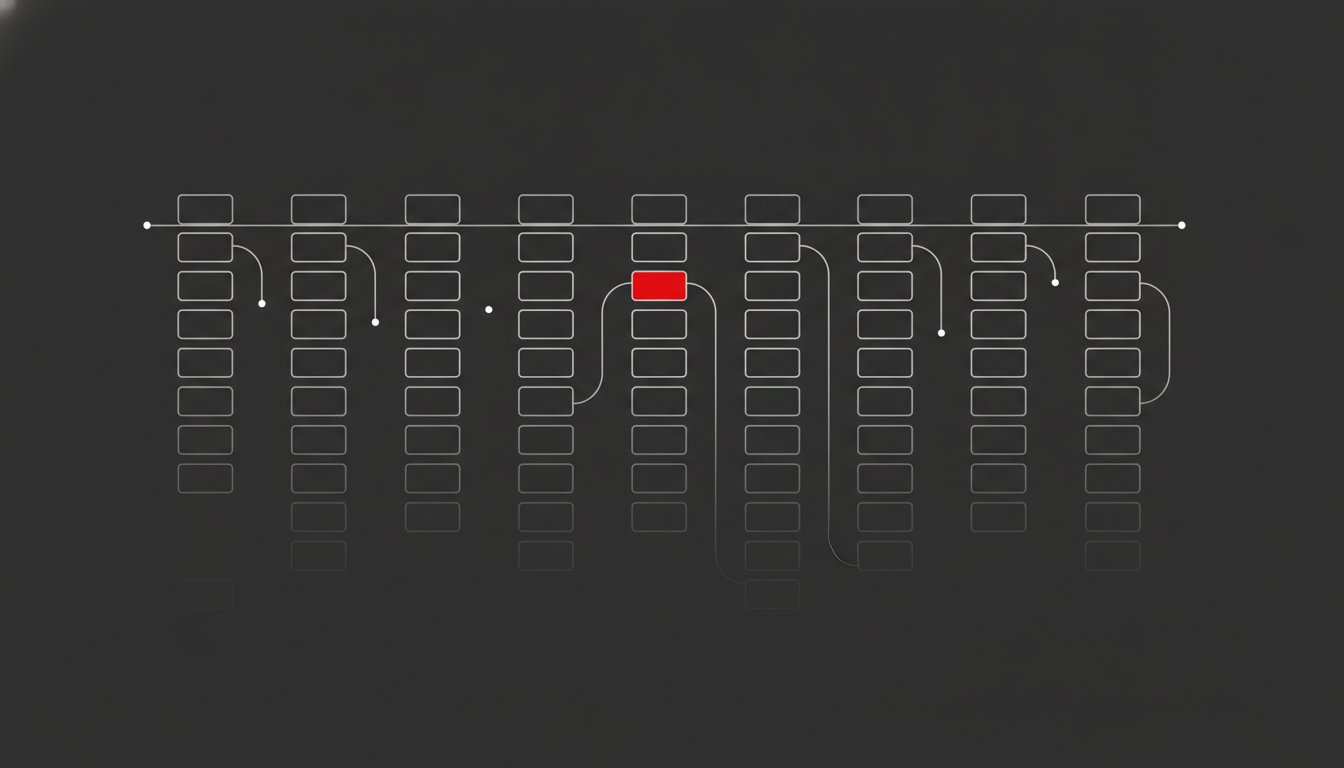
It enables discovery and crawling. Googlebot finds new pages primarily by following links. A page with no internal links pointing to it — an orphan page — may never get crawled at all, or get crawled so rarely it never ranks. On large sites, crawl efficiency is a real constraint, and your internal link structure is the main thing that decides where Google spends its limited budget. In my experience auditing sites, fixing orphan pages and tightening the link structure routinely surfaces content that was effectively invisible to Google for months.
It signals topical relevance. The anchor text you use, and the context around a link, tells Google what the destination page is about. Link to your “technical SEO audit” page with that phrase as anchor text, repeatedly, from relevant pages, and you build a strong topical signal. This is how internal links reinforce topical authority across a content cluster.
The Pillar-Cluster Model: Your Site’s Backbone
The dominant site architecture for content-driven SEO in 2026 is the pillar-cluster model, and your internal linking strategy should be built around it.
How it works
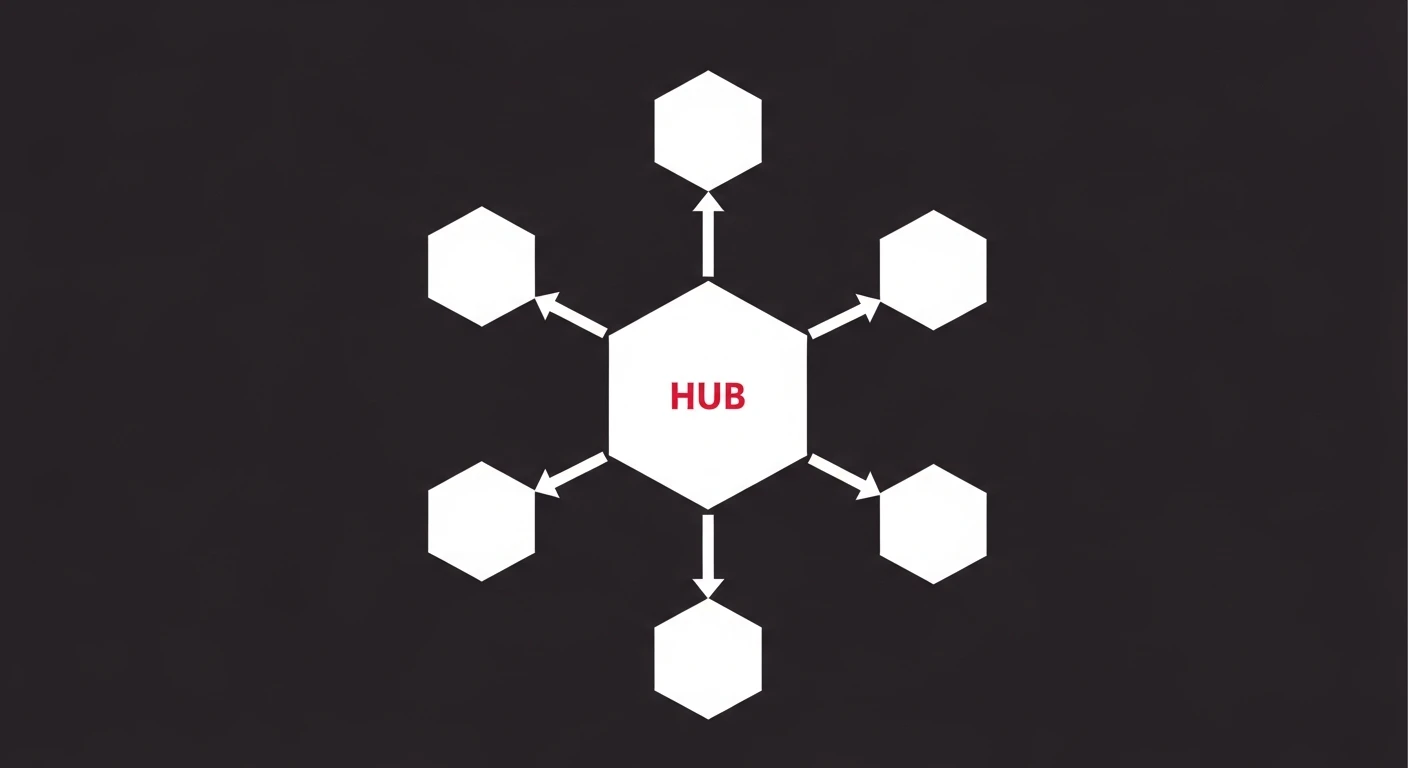
A pillar page covers a broad topic comprehensively — say, “international SEO”. Around it sit cluster pages, each handling one narrow subtopic in depth: hreflang implementation, ccTLD vs subdirectory, multilingual content, and so on. The links run in both directions:
- Each cluster page links up to the pillar.
- The pillar links down to every cluster page.
- Cluster pages link across to each other where the topics genuinely overlap.
This bidirectional structure concentrates authority on the pillar, tells Google the cluster is a coherent body of work, and makes the whole group easier to crawl. It’s the cleanest way to turn a pile of blog posts into a structure that ranks as a unit. If you’re planning content around this model, it pairs directly with a deliberate content SEO strategy rather than publishing one-off posts.
The three-click rule
Keep every important page within three clicks of your homepage. The homepage is almost always your highest-authority page, so the fewer clicks a page is from it, the more equity reaches it and the more often it gets crawled. If a key page is buried six clicks deep, that’s a structural problem no amount of content polish will fix.
How to Build an Internal Linking Strategy: A 7-Step Process
Here’s the exact process I use when building or fixing an internal linking strategy on a client site.
-
Crawl the site. Use Screaming Frog, Sitebulb, or the Search Console crawl stats to map every page and every existing internal link. You can’t fix a structure you can’t see.
-
Find your orphan pages. Cross-reference your full URL list (from the sitemap or CMS) against the crawled pages that have inbound internal links. Anything with zero inbound links is an orphan. Make a list — this is your fastest win. For the full triage-and-fix process, see my dedicated guide to orphan pages.
-
Identify your money pages. Decide which pages you actually want to rank: service pages, key commercial content, your strongest guides. These are the targets that should receive the most internal links.
-
Map your hubs. Identify your highest-authority pages — usually the homepage, top-linked blog posts, and main service pages. These are your sources of link equity.
-
Build the links from hubs to money pages. Add contextual links from high-authority pages to the priority pages you want to lift. Use descriptive anchor text. This is where rankings actually move.
-
Fix the orphans. Link every orphan page from at least one relevant, indexed page. Even one good contextual link pulls it back into the structure.
-
Audit and repeat quarterly. Internal linking decays as you add and remove content. Re-run the crawl every three to six months. A proper SEO audit catches the orphan pages and broken links that accumulate silently between reviews.
Work through those seven steps once and you’ll typically find dozens of quick wins — pages that rank on page two and just need a few well-placed internal links to push onto page one.
Anchor Text: The Most Underused Lever in Internal Linking
Anchor text is where most internal linking strategies fall apart. “Click here”, “read more”, and “learn more” tell Google nothing about the destination. Descriptive, relevant anchor text tells it everything.
A Zyppy study of 23 million internal links across 1,800 websites found that pages with at least one descriptive, keyword-relevant anchor pointing to them received at least five times more traffic than pages without one. That is one of the largest effect sizes you’ll find for any single on-page factor.
The rules are simple:
- Be descriptive. Use anchor text that describes the destination page: “ecommerce SEO guide”, not “this article”.
- Vary it naturally. Don’t paste the exact same anchor onto every link. Use natural variations of the target phrase. Identical anchors everywhere look manipulative and flatten your topical signal.
- Keep it relevant. The anchor, the surrounding sentence, and the destination page should all be about the same thing. Context matters as much as the anchor itself.
There’s no penalty risk with internal anchor text the way there is with aggressive external anchors, so you have room to be deliberate. Use it. According to Google’s documentation on links, descriptive, crawlable anchor text is exactly what helps Google understand and rank linked pages.
How Many Internal Links Per Page?
There’s no magic number, but the data gives useful guardrails. The same Zyppy analysis found click volume kept climbing as pages received more internal links — up to roughly 40–44 links — then started to decline past 45–50. Too few and you’re starving the page of equity; far too many and you dilute the value each link passes and risk looking spammy.
For body content, a practical target is 2–5 contextual links per 1,000 words, on top of your standard navigation. Keep total links on any page comfortably under 150. And remember: a link’s value is split among all the links on the page, so 100 links each pass a fraction of what 10 links would. Be selective. Every internal link should earn its place by pointing somewhere a reader would genuinely want to go next.
Common Internal Linking Mistakes That Kill Rankings
- Only linking new content to old, never old to new. When you publish, go back and add links from your strongest existing pages to the new one. New pages have no equity of their own — they need it pushed to them.
- Generic anchor text everywhere. “Read more” wastes the single biggest signal an internal link carries.
- Ignoring orphan pages. Roughly a quarter of pages on many sites have zero internal links. That’s content paid for and then hidden.
- Linking through navigation only. Sitewide footer and menu links matter, but Google weights contextual in-body links more heavily. Don’t rely on the menu to do your linking for you.
- Deep, flat structures. Burying key pages many clicks from the homepage starves them of crawl attention and equity.
Fixing these is rarely glamorous, but it’s high-leverage. Internal linking is one of the few areas where the work is fully within your control and the results are durable. If you’d rather have it diagnosed and fixed properly, this is core to what I do as an SEO consultant and a standard part of any technical SEO engagement.
A good internal linking strategy isn’t a one-off task — it’s a discipline. Build the pillar-cluster structure, link your hubs to your money pages with descriptive anchors, kill your orphan pages, and re-audit every quarter. Do that consistently and your internal linking strategy will keep lifting rankings long after the last backlink campaign is forgotten.
Frequently Asked Questions
How many internal links should a page have?
Aim for roughly 2–5 contextual internal links per 1,000 words inside the body content, plus your normal navigation. A large study of 23 million internal links found click volume kept rising up to around 40–44 links per page, then started to decline past 45–50. The exact number matters less than relevance: every internal link should point to a page a reader would genuinely find useful next.
What is the difference between internal links and backlinks?
Internal links connect pages within the same domain; backlinks come from other websites. You control internal links completely, which makes them the one ranking lever you can adjust at will. Backlinks build domain authority from the outside, while internal links decide how that authority flows to individual pages once it arrives.
What are orphan pages and why do they hurt SEO?
An orphan page is a page with no internal links pointing to it, so Google can only find it through your sitemap, if at all. Orphan pages get crawled rarely, rank poorly, and waste the content you paid to produce. Running a crawl to find and link your orphan pages is one of the fastest internal-linking wins on most sites — see my full guide to finding and fixing orphan pages for the complete process.
Does anchor text matter for internal links?
Yes — significantly. Descriptive anchor text tells Google what the destination page is about, so “enterprise SEO audit checklist” works far better than “click here” or “read more”. The same 23-million-link study found pages with at least one descriptive, keyword-relevant anchor received at least five times more traffic than pages without one.
How often should I review my internal linking?
Review it whenever you publish new content — add links from existing relevant pages to the new one, not just the other way around. Beyond that, run a full internal-link and orphan-page audit every three to six months, or after any site migration or restructure. Internal linking is not a one-time setup; it decays as content is added and removed.