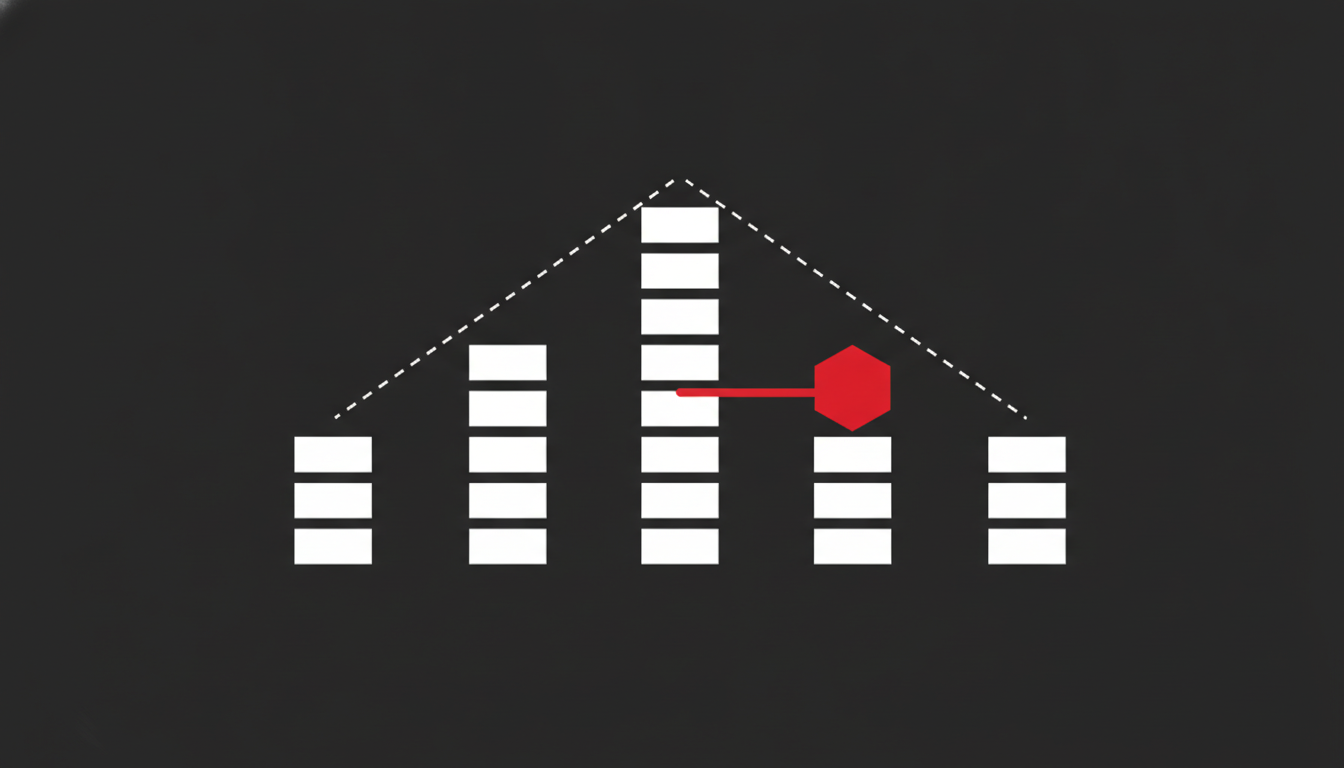
Negative SEO is the use of deliberate, malicious tactics (toxic backlink blasts, scraped content, fake reviews) aimed at tanking a competitor’s rankings. Unlike a normal algorithm hit, it originates from a third party, not from anything you changed on your own site.
According to Search Engine Roundtable’s coverage of Google’s John Mueller (March 2026), most sites never need to touch the disavow tool, but that’s not every site. Semrush’s own Backlink Audit documentation (2026) only flags a link profile as “high toxicity” above 10% toxic links, which means the vast majority of weird-looking links you’ll find in an audit are noise, not an attack. Mueller has also dismissed third-party “toxic link” scores (reported by Search Engine Roundtable, May 2024) as a concept invented by SEO tools, not a signal Google itself uses.
Most people ask “is this negative SEO?” the moment a backlink report shows something ugly. It almost never is. A real attack is rare, concentrated, and leaves a specific pattern: a sudden burst of identical-anchor links, a traffic drop that lines up with that burst, or a manual action notice in Search Console. Everything else is normal link profile noise that Google already discounts on its own.
What Actually Counts as Negative SEO (and What Doesn’t)
Negative SEO is a competitor or bad actor deliberately trying to damage your rankings through tactics you didn’t create and don’t control. The classic version is a spam link blast: thousands of low-quality or exact-match-anchor backlinks pointed at your site in a short window, usually from a private blog network (PBN) or an automated link farm. Less common variants include scraping and republishing your content, flooding you with fake negative reviews, or hammering your server with bot traffic to hurt load times.
What it isn’t: a handful of spammy links your own old guest posts picked up, a scraper site that copied one article, or a ranking dip that lines up with a Google core update. In my experience auditing backlink profiles for clients, roughly nine out of ten “am I under attack?” questions turn out to be ordinary profile noise, the kind every site accumulates, not a coordinated attack. The confusion is understandable: a backlink audit tool will flag both situations with the same alarming red “toxic” label, and the tool has no way to tell you which one you’re actually looking at.
This matters for link building strategy too. Sites that build links aggressively tend to over-interpret every weird referring domain as sabotage, when it’s usually just the predictable mess that comes with any link profile that’s actually doing something.
The Decision Framework: Attack or Noise?
Before touching the disavow tool, run through this sequence. It’s the same one I use when a client messages me convinced they’re under attack.
- Check the timing. Pull up Google Search Console’s Links report and your analytics traffic graph side by side. A real attack shows a backlink spike that precedes a ranking or traffic drop by days, not weeks. If the links appeared and nothing moved, it’s noise.
- Check the concentration. Negative SEO blasts are rarely random: they cluster on exact-match or near-exact-match anchor text pointing at the same few URLs. A natural (if messy) link profile has varied anchors pointing at many different pages.
- Check the source pattern. Look up the referring domains. A cluster of newly registered domains, shared hosting IPs, or thin PBN-style sites with no real traffic is a strong attack signal. Scattered low-authority blogs and directories from years of normal link accumulation are not.
- Check Search Console for a manual action. If there’s no manual action and no unnatural-links warning, Google’s own systems have almost certainly already discounted the links: the thing you’re staring at in a third-party tool is not what’s affecting your rankings.
- Check whether anything else changed. Before blaming an external attack, rule out your own site: a broken template, a bad deploy, a core update, a seasonal dip. This is the step people skip because panic is more satisfying than process.
- Only then consider the disavow tool, and only for the specific cluster that passed steps 1–4, never for your whole link profile.
If you can’t say yes to at least steps 1 through 3, you’re looking at normal noise, not negative SEO, and the right move is to do nothing.
What I Found When I Disavowed My Own Toxic Backlinks
I recently ran this exact process on one of my own properties after a SEO audit turned up a cluster of newly registered domains all pointing the same commercial anchor text at a handful of pages. The pattern matched steps 1 through 3 almost perfectly: dozens of thin, interlinked PBN-style domains, registered within weeks of each other, all carrying the same exact-match anchor. That’s not what an organic link profile looks like.
I pulled the full list, cross-checked each domain for real traffic and content (there was none worth mentioning), and submitted a disavow file to Google Search Console for that specific cluster, not my entire backlink profile, which still had plenty of genuinely messy-but-harmless links I left alone. That distinction is the part most guides skip: disavowing is a scalpel, not a reset button. Submitting a disavow file for links Google already ignores does nothing except waste your time and risk catching a legitimate link in the blast radius.
When Disavowing Actually Makes Sense (and When It Backfires)
Disavow when you have a manual action tied to unnatural links, or when you’ve found a concentrated, verifiable spam cluster like the one above: recently created, low-quality, anchor-stuffed, with no plausible organic reason to exist. Those are narrow, specific conditions.
Don’t disavow because a backlink audit tool assigned a scary-looking toxicity score to a domain that’s simply old, obscure, or outside your niche. Tool-generated spam scores are a heuristic, not a verdict: Semrush’s own methodology caps “high toxicity” at over 10% of a profile, which tells you how rare a genuinely dangerous profile actually is. Mass-disavowing based on a tool’s red flags is the single most common way site owners hurt themselves: you risk removing links that were quietly helping you, and you spend hours chasing a problem that was never affecting your rankings in the first place.
I see this most often with sites that have been live for a decade or more. A profile that old inevitably picked up a handful of genuinely dead or low-quality links over the years: directory listings that went defunct, blog comments from 2016, scraper sites that came and went. None of that is an attack. It’s sediment. Treating sediment as sabotage is how people end up disavowing links that were never a problem, which wastes a disavow submission that should be reserved for the rare case that actually needs it.
The rule I give clients: disavow a cluster, never a dashboard. If you can’t describe the specific pattern that makes a set of links suspicious (timing, anchor concentration, domain quality), you’re not ready to disavow anything yet.
How to Monitor for Negative SEO Without Becoming Paranoid About It
You don’t need daily vigilance; you need a quarterly habit and a few alerts.
- Set up a Search Console email alert for manual actions: this is the one signal that actually matters.
- Review your Links report every quarter, not every week, scanning specifically for anchor-text clusters and sudden spikes in referring domains rather than the raw link count.
- Watch your organic traffic trend alongside any backlink spike you do notice. Correlation in time is the single best signal you have.
- Keep a short list of your known, legitimate link sources so a sudden unfamiliar cluster actually stands out instead of blending into normal noise.
This routine catches the rare real attack early without turning every weird referring domain into a fire drill. It’s the same quarterly check I build into every ongoing engagement: you can see what that looks like in practice on the results page.
Beyond Backlinks: Other Forms of Negative SEO
Link-based attacks get the most attention, but they’re not the only version. Content scraping, someone republishing your articles verbatim on a low-quality site, can occasionally cause duplicate-content confusion, though Google is generally good at identifying the original source by crawl date and authority. Fake negative reviews and fabricated complaints target trust rather than rankings directly, but they erode the click-through rate and conversion signals that feed into your visibility over time. And in rare cases, aggressive bot crawling can degrade site speed enough to affect Core Web Vitals.
None of these are common. All of them are more easily fixed by documentation and reporting (to the review platform, to Google, to your hosting provider) than by any SEO tactic. The backlink version gets disproportionate attention mostly because it’s the one with a dedicated Google tool attached to it.
Negative SEO is real, but it’s rarer and narrower than the volume of “toxic link” alerts in your dashboard would suggest. The actual skill isn’t detecting every anomaly: it’s knowing which ones are worth a response and leaving the rest alone. If you want a second opinion on whether what you’re looking at is an attack or just noise, that’s exactly the kind of judgment call an experienced SEO consulting engagement should settle quickly, rather than leave you disavowing in the dark.
Frequently Asked Questions
Does negative SEO actually work?
Rarely, and only when it’s concentrated and aggressive: a genuine spam link blast with exact-match anchors can cause a temporary ranking dip, as independent tests like the TastyPlacement negative SEO study have shown. For the vast majority of sites, scattered low-quality links are automatically discounted by Google’s own systems and never move rankings at all.
How do I know if I’m a victim of negative SEO?
Look for a sudden, concentrated burst of similar-anchor backlinks from low-quality or newly registered domains that lines up in time with a ranking or traffic drop. If the timing doesn’t line up, or the links are scattered and varied, you’re looking at normal link profile noise, not an attack.
Should I disavow links if I suspect negative SEO?
Only disavow a specific, verified spam cluster, not your whole link profile, and not every link a toxicity tool flags. Google’s own guidance is that most sites never need to use the disavow tool, since its systems already ignore the majority of low-quality links on their own.
Can I report a negative SEO attack to Google?
Yes, if you have a manual action or clear evidence of a coordinated attack, Google Search Console’s disavow tool and the spam report form are the right channels. Outside of a manual action, Google generally won’t intervene case-by-case, since its algorithms are designed to neutralize the links automatically.
How long does it take to recover from a negative SEO attack?
If the attack was genuinely affecting rankings, recovery after a correct disavow submission typically takes a few weeks to a couple of months, in line with normal backlink reprocessing times. If nothing was actually wrong, which is the more common outcome, there’s nothing to recover from, since the links were never affecting you.