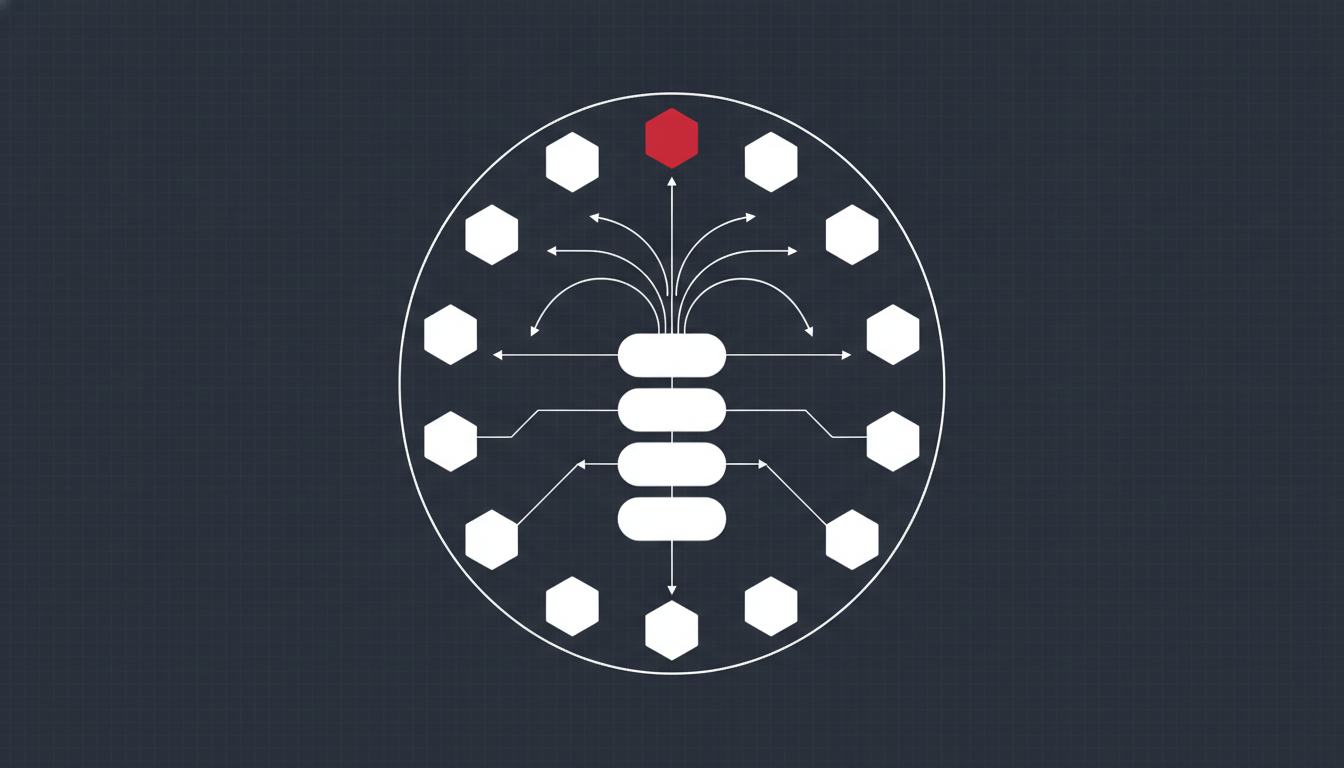
AI crawler control is the practice of deciding which AI bots — like GPTBot, ClaudeBot and PerplexityBot — are allowed to fetch your site, and for what purpose. You manage it mainly through robots.txt directives and CDN rules, choosing to allow the crawlers that can cite you in AI answers while blocking or restricting the ones that only harvest content to train models. Get it right and you stay visible in ChatGPT, Perplexity and Google AI answers without handing your entire archive to model training for free.
This decision used to be a footnote. It is now a real line item, because the traffic mix has flipped. As of June 2026, Cloudflare’s Radar data showed automated requests making up 57.5% of HTML traffic to web content against 42.5% from humans — the first time machines have held the majority in the history of the web. A large slice of that is AI crawlers hitting your pages every day. If you have never looked at who they are or what they take, you are flying blind on a channel that now touches most of your bandwidth.
This guide covers what the different AI crawlers actually do, the critical training-versus-search distinction that most site owners get wrong, a decision framework for setting your policy, and how to implement and verify it without accidentally deleting yourself from AI search.
Why AI crawler control matters now
Three years ago there were two kinds of bots worth caring about: search engine crawlers that indexed you for rankings, and scrapers you wanted to keep out. That binary is gone. AI crawlers sit in a messy middle — some send traffic back, most do not, and the same company often runs several with completely different jobs.
The economics are lopsided. According to Cloudflare’s crawl-to-referral analysis, Anthropic crawled roughly 4,580 pages for every referral visit it sent back, versus 848 for OpenAI, 186 for Perplexity and about 5 for Google. That gap is the whole debate in one statistic: traditional search still trades crawling for clicks at a fair rate, while training-focused AI crawling takes far more than it returns.
At the same time, AI search is a genuine visibility channel. When someone asks ChatGPT or Perplexity a question and the model retrieves live pages to answer, being crawlable is the price of being cited. Block indiscriminately and you win the content-protection argument but lose the discovery one. In my experience auditing sites over the last year, the most common self-inflicted wound is a blanket block that kills AI-search visibility while doing nothing to stop determined scrapers. AI crawler control is about drawing that line deliberately instead of by accident.
The crawlers you need to know
Not all AI bots are equal. The most important thing to understand is that the major providers split their crawling into separate user-agents by purpose, and you can allow one while blocking another.
Training crawlers vs search crawlers
This is the distinction that changes everything. OpenAI and Anthropic each run two separate bots:
- GPTBot (OpenAI) and ClaudeBot (Anthropic) are training crawlers. They gather content to train and improve models. They rarely send referral traffic.
- OAI-SearchBot (OpenAI) and Claude-SearchBot (Anthropic) are search crawlers. They fetch pages to answer live queries and can produce a citation with a link back to you.
The implication is the entire basis of a smart 2026 policy: you can opt out of model training while staying eligible for AI-search citations. Blocking GPTBot does not remove you from ChatGPT’s search results — OAI-SearchBot handles those. Site owners who lump every OpenAI bot into one Disallow line routinely delete themselves from AI answers by mistake.
The purpose split matters at scale, too. Across Cloudflare’s network in the 28 days to 22 June 2026, training crawls made up 52.3% of AI crawler requests — more than the next two purposes combined — while search-purpose crawling that can actually return a citation was under 10%. Most AI crawling is extraction, not discovery.
The main user-agents in 2026
The bots most sites see are: GPTBot and OAI-SearchBot (OpenAI), ClaudeBot and Claude-SearchBot (Anthropic), PerplexityBot (Perplexity), Google-Extended (a token that opts you out of Gemini/Vertex training without affecting Search), Applebot-Extended (the equivalent for Apple), and CCBot (Common Crawl, which feeds many downstream models). Bytespider (ByteDance) is worth watching — it surged to become one of the busiest AI crawlers in 2026 and is aggressive.
If you also care about how these systems then choose what to quote, that is a separate discipline covered in my generative engine optimization playbook. Access control decides whether you are in the pool at all; GEO decides whether you get picked.
robots.txt vs llms.txt: what each actually does
These two files get conflated constantly, and the confusion leads to bad policy.
robots.txt governs access. It tells crawlers which paths they may request. It is standardised as IETF RFC 9309 and is honoured by all the well-behaved AI crawlers named above. Crucially, it is a voluntary request — it carries no legal force and does not technically block anything. Compliant bots obey it; badly-behaved or spoofed ones do not.
llms.txt governs navigation. It is a proposed convention for listing your key pages in a clean, LLM-friendly format so models can find your best content efficiently. It is a discoverability aid, not an access-control mechanism. No major AI vendor has committed to treating it as a gate. Do not use llms.txt to try to block anything — that is not what it is for, and it will not work.
The practical takeaway: use robots.txt (backed by your CDN) for control, and treat llms.txt as an optional nice-to-have for navigation. If you want hard enforcement against non-compliant bots, you need server-level or CDN-level blocking, because robots.txt is an honour system.
A decision framework for your AI crawler policy
Before you touch a config file, decide your stance. Here is the four-step process I use with clients to set an AI crawler policy that fits their business rather than copying someone else’s template.
Step 1 — Classify your content. Is your content the product (a paywalled research library, proprietary data, a course) or the marketing (blog posts, docs, product pages that exist to attract customers)? Marketing content usually wants maximum AI visibility. Product content usually wants protection.
Step 2 — Decide on search crawlers. For almost everyone, allow the search and retrieval crawlers — OAI-SearchBot, Claude-SearchBot, PerplexityBot. These are how you earn citations in AI answers. Blocking them is rarely the right call unless you are deliberately going dark.
Note that crawler permissions only cover part of the picture. Microsoft Copilot does not run a crawler you can allow — it retrieves from the Bing index, so eligibility there is a submission problem rather than a robots.txt one. Bing SEO in 2026 covers that side.
Step 3 — Make a deliberate call on training crawlers. For GPTBot, ClaudeBot, CCBot and the -Extended tokens, choose based on Step 1. Protecting premium content? Disallow them. Chasing reach and comfortable with your content training models? Allow them. This is a business decision, not a technical default.
Step 4 — Enforce and monitor. Put the policy in robots.txt, mirror it at the CDN for the bots that ignore robots.txt, then check your logs to confirm the real behaviour matches your intent. Policy without verification is a guess.
A defensible default for most SMEs and mid-market brands: allow all search crawlers, opt out of Google and Apple training via Google-Extended and Applebot-Extended while keeping Search inclusion intact, and make an explicit, documented choice on GPTBot, ClaudeBot and CCBot. Reviewing this is a natural part of any modern technical SEO engagement, alongside crawl efficiency and indexation.
Implementing AI crawler control in robots.txt
Once your policy is set, the implementation is straightforward. Here is a starter robots.txt reflecting the defensible default above — allow search, opt out of training:
# Allow AI search crawlers (eligible for citations)
User-agent: OAI-SearchBot
Allow: /

User-agent: Claude-SearchBot
Allow: /

User-agent: PerplexityBot
Allow: /

# Opt out of Google and Apple AI training (Search unaffected)
User-agent: Google-Extended
Disallow: /

User-agent: Applebot-Extended
Disallow: /

# Block model-training crawlers
User-agent: GPTBot
Disallow: /

User-agent: ClaudeBot
Disallow: /

User-agent: CCBot
Disallow: /
Adjust the training block to match your Step 3 decision. If you want your content to train models for maximum reach, change those Disallow: / lines to Allow: /.
Two implementation rules that trip people up. First, Google-Extended and Applebot-Extended are training-opt-out tokens, not crawlers — they do not affect Googlebot or normal Search indexing, so disallowing them is safe. Second, remember these directives are honoured, not enforced. For the bots you genuinely need to keep out, add a matching rule at your CDN or firewall. Cloudflare, for example, now ships managed AI-crawler blocking that operates at the network layer rather than relying on the honour system.
Verify it before you trust it
A policy you have not verified is a liability. Research across Cloudflare’s network found a meaningful share of sites accidentally blocking major AI crawlers at the CDN while their robots.txt said “allow” — the two layers silently disagreeing. That mismatch is invisible until you check.
Run this quick verification pass after any change:
- Fetch your own robots.txt and read it as a bot would — or paste it into the AI Crawler Checker to see the result for every major bot and path at once. Confirm each user-agent block says what you intended and that there are no stray global
Disallow: /rules above them. - Check your server logs or analytics for the AI user-agents. Are the bots you allowed actually getting 200s, and the ones you blocked getting 403s or not appearing? Log analysis is the ground truth here — the same technique used in server log file analysis for crawl budget applies directly to AI bots.
- Confirm CDN and robots.txt agree. If you use Cloudflare, Fastly or similar, check that no WAF or bot-management rule is blocking a crawler your robots.txt welcomes, or vice versa.
- Test AI visibility. Ask ChatGPT, Perplexity and Google a question your content should answer, and see whether you are cited. If you vanished after a config change, you probably blocked a search crawler by mistake.
If you would rather have this audited properly — crawl access, indexation, and AI-search eligibility checked together — that is exactly what a technical SEO audit is for.
Common mistakes to avoid
The pattern is always the same: good intentions, blunt instrument. The mistakes I see most often:
- Blocking GPTBot and assuming you left ChatGPT search. You blocked training, not search. If you also want out of ChatGPT search, that is OAI-SearchBot — a separate decision.
- A blanket
User-agent: * / Disallow: /for “AI”. This blocks Googlebot too and nukes your organic rankings. AI crawlers have specific user-agents; target them, never the wildcard. - Trusting robots.txt as a hard block. It is an honour system. Non-compliant scrapers ignore it. Enforce at the CDN for anything that matters.
- Setting it once and forgetting. New crawlers appear constantly — Bytespider was a minor bot until it surged in 2026. Review your policy quarterly.
Where AI crawler control fits your strategy
AI crawler control is now a standing part of technical SEO, not a one-off. The web has crossed the point where most requests to your site come from machines, and a growing share of those are AI systems deciding whether to train on you, cite you, or ignore you. Treating that traffic as something to manage deliberately — allow the crawlers that send visibility, restrict the ones that only extract — is how you protect your content and stay present in AI answers at the same time. Set the policy, enforce it at both layers, verify it against your logs, and revisit it every quarter. Do that, and AI crawler control stops being a risk and becomes a lever you actually control. For how this fits into the full picture, see the AI SEO Hub. Crawler access is also the first technical prerequisite in Answer Engine Optimization — structure doesn’t matter if the bot can’t reach it.
Frequently Asked Questions
Does blocking GPTBot stop my content appearing in ChatGPT?
No — and this is the most common mistake. GPTBot is OpenAI’s training crawler, while OAI-SearchBot fetches pages to answer live ChatGPT search queries and can cite you. If you disallow GPTBot you opt out of training, but you should leave OAI-SearchBot allowed so ChatGPT can still surface and link your pages. Block the wrong one and you disappear from AI answers while gaining nothing.
Is robots.txt enough to block AI crawlers?
For well-behaved bots, yes. GPTBot, ClaudeBot and PerplexityBot document their user-agents and honour robots.txt, which is standardised as IETF RFC 9309. But robots.txt is a voluntary request with no legal force, so bots that ignore it or spoof user-agents get through. If you need hard enforcement, block at the server or CDN layer, not just in robots.txt.
Should I block AI crawlers or allow them?
For most businesses, allow search and retrieval crawlers so you stay eligible for AI citations, and make a deliberate content-policy decision on training crawlers. Publishers protecting premium content often block training bots; brands chasing AI visibility usually allow everything. There is no universal answer — it depends on whether your content is the product or the marketing.
What is llms.txt and do I need it?
llms.txt is a proposed file that lists your most important pages in a clean, LLM-friendly format to help models navigate your site. It governs navigation, not access — it is not an access-control mechanism, and no major AI vendor has committed to enforcing it. Treat it as an optional discoverability aid, and rely on robots.txt and your CDN for actual control.
How often should I review my AI crawler policy?
Quarterly is a sensible cadence for most sites. New crawlers emerge and existing ones change behaviour — Bytespider went from minor to top-tier within 2026 — so a policy set and forgotten drifts out of date fast. Pair each review with a quick log check to confirm the bots you allowed and blocked are behaving as intended.