Pagination SEO is the practice of structuring multi-page sequences — category pages, blog archives, listing results — so search engines can crawl every page in the series and reach the content underneath. Unlike a single long page, pagination distributes items across discrete URLs, which means crawl paths become the deciding factor in whether your deep inventory gets indexed at all.
Here is the part most guides get wrong. Google announced in March 2019 that it had stopped using rel="next" and rel="prev" as indexing signals, and confirmed it had not used them for several years before that. Seven years later, articles published this year still recommend implementing them.
Google’s ecommerce documentation suggests 24 to 48 items per page as a reasonable range, and Google Search Central states plainly that its crawlers “don’t ‘click’ buttons and generally don’t trigger JavaScript functions that require user actions.” That second line is the one that quietly costs sites their entire catalogue.
The reason this matters more than it used to is that pagination is now the main crawl path to a huge share of most catalogues. If a product only appears on page 7 of a category and page 7 is unreachable, that product is not competing. It is not ranking badly — it is not in the index.
In my experience auditing large ecommerce and publisher sites, pagination problems almost never show up as errors. Nothing in Search Console flags “your page 2 links are JavaScript”. The site looks healthy right up until you notice the deep inventory has quietly stopped earning impressions.
What pagination SEO actually requires in 2026
Strip away the accumulated folklore and the requirements are short. Google’s own guidance reduces to two things: give each page in the sequence a unique URL, and link between them with standard <a href> anchor tags.
That is the whole contract. A URL pattern like /category/?page=2 or /category/page/2/ is fine. What is not fine is a URL that never changes, a URL that changes only after the hash (#page=2), or a “next” control that is a <button> with a click handler instead of a link.
Everything else — canonicals, sitemaps, titles — is secondary to whether a crawler can walk the chain from page 1 to the end. If it cannot, no amount of tag optimisation will rescue the pages beneath.
Three implementation details carry real weight. Each page needs a self-referencing canonical. Each page needs a unique title, usually by appending the page number so Google does not treat forty titles as one. And the pagination links need to exist in the server-rendered HTML, not appear after hydration.
The rel=“next” and rel=“prev” problem
For roughly a decade, rel="next" and rel="prev" in the <head> were the textbook answer to pagination. Google’s March 2019 announcement that it had dropped them as an indexing signal — and had not used them for years — landed hard, precisely because so many sites had implemented them carefully.
The damage since has been indirect but real. When the news broke, a wave of sites went in to “fix” their pagination and made it worse, ripping out working link structures alongside the deprecated tags. Ahrefs’ analysis of the deprecation documented sites actively harming themselves in the cleanup.
Two practical conclusions. If you are building pagination today, do not implement these tags — you are writing code Google discards on arrival. If your site already has them, leave them alone. They are inert, not harmful, and Bing has said it still uses them as a hint. There is no ranking recovery waiting behind removing them.
A related mistake worth naming: I regularly find rel="next" placed in the <body> rather than the <head>, apparently by analogy with rel="nofollow" on links. That was never valid markup. It is a reliable tell that pagination was implemented from a half-remembered blog post rather than documentation.
The canonical mistake that de-indexes your own pages
This is the most expensive pagination error in circulation, and it is still recommended by name in guides published this year: point the canonical tag on every paginated page back to page 1.
The logic sounds reasonable — pages 2 through 40 are near-duplicates of page 1, so consolidate them. The logic is wrong twice over.
First, they are not duplicates. Page 2 contains a completely different set of products or articles than page 1. Telling Google they are the same thing is a factual misstatement about your own site.
Second, and worse: a canonical pointing elsewhere signals that this URL should not be indexed. Google then treats the page as a lower-priority crawl target. Every link on that page — including the only internal link to the forty products listed on it — inherits that deprioritisation. You have not consolidated ranking signals. You have cut the rope to your own inventory.
The correct implementation is a self-referencing canonical on every page in the series. Page 2’s canonical points at page 2. Each page is independently indexable, and the links it contains stay live as crawl paths. This connects directly to the crawl budget picture: healthy pagination is how budget reaches depth, and broken pagination is how depth starves.
The same reasoning rules out blanket noindex on paginated pages. A noindex page still gets crawled, and Google eventually treats long-term noindexed pages as nofollow too — so the links stop passing entirely. If you genuinely want pages 2+ out of the index, you still need their links crawlable, which means noindex is the wrong tool.
JavaScript pagination and why crawlers never see page 2
This is the failure mode I find most often on modern stacks, and the one clients are most surprised by.
A React, Vue or Next.js listing page renders twenty items. The user clicks “Next”. JavaScript fetches the next twenty and swaps them into the DOM. The URL either does not change or changes only via a hash. No new document, no new URL, nothing for a crawler to request.
Google’s position is unambiguous: crawlers do not click buttons and do not fire JavaScript that requires user interaction. Googlebot renders JavaScript, but rendering is not interacting. It loads the page in its initial state and reads what is there. Page 2 exists only as a consequence of an action nobody takes.
The result is a category page with 800 products where exactly 20 are discoverable. If those 780 products have no other internal link — and on most sites they do not — they become orphan pages by accident.
This is now sharper than it was, because the crawler population has changed. Googlebot at least renders JavaScript. Most AI crawlers do not. They fetch the raw HTML and parse it. Whatever your framework hydrates in is simply not part of the document they see, which puts JS-only pagination squarely in the way of the AI crawler access problem too.
The fix does not require abandoning your framework. It requires that each paginated state has a real URL, that the “next” control is an <a href> pointing at it, and that requesting that URL directly returns the right content server-side. Client-side enhancement on top of that is fine. The full picture is in the JavaScript SEO guide.
Pagination vs load more vs infinite scroll vs view-all
Four patterns, and the SEO consequences differ sharply. The decision is usually made by a designer, which is fine — as long as someone specifies the crawl layer underneath.
| Pattern | Crawlable by default | When it makes sense |
|---|---|---|
| Classic pagination | Yes, if links are <a href> | Default choice for catalogues, archives, any large listing |
| Load more button | No — needs a paginated fallback | Good UX for mobile; requires real URLs behind the button |
| Infinite scroll | No — needs a paginated shadow structure | Feeds and discovery browsing, never primary crawl paths |
| View-all page | Yes | Small sets only; breaks Core Web Vitals past a few hundred items |
The rule for load-more and infinite scroll is the same and comes from Google directly: build a paginated series underneath the interaction. Real URLs, real anchor links, server-rendered, updated with the History API as the user scrolls. Users get the smooth experience; crawlers get discrete documents.
A view-all page is genuinely useful for a category of 60 products and genuinely destructive for one of 6,000, where it becomes a multi-megabyte document that fails every Core Web Vitals threshold you care about. Google’s 24-to-48 items-per-page range is a sensible default when in doubt.
A seven-step pagination SEO audit
This is the sequence I run on every large-site audit. It takes under an hour and finds problems no automated tool reports.
- Disable JavaScript and load a deep category page. If the pagination controls vanish, or “Next” does nothing, you have found the problem in step one. Everything below is secondary until this passes.
- Click through to page 2 and read the URL bar. It must change to a distinct, requestable URL. A hash fragment does not count.
- Request that page 2 URL directly in a fresh session. It must return the correct content and a 200 status without needing to arrive from page 1.
- View source on page 2 and check the canonical. It must point at page 2. If it points at page 1, you have found the de-indexing bug described above.
- Check for
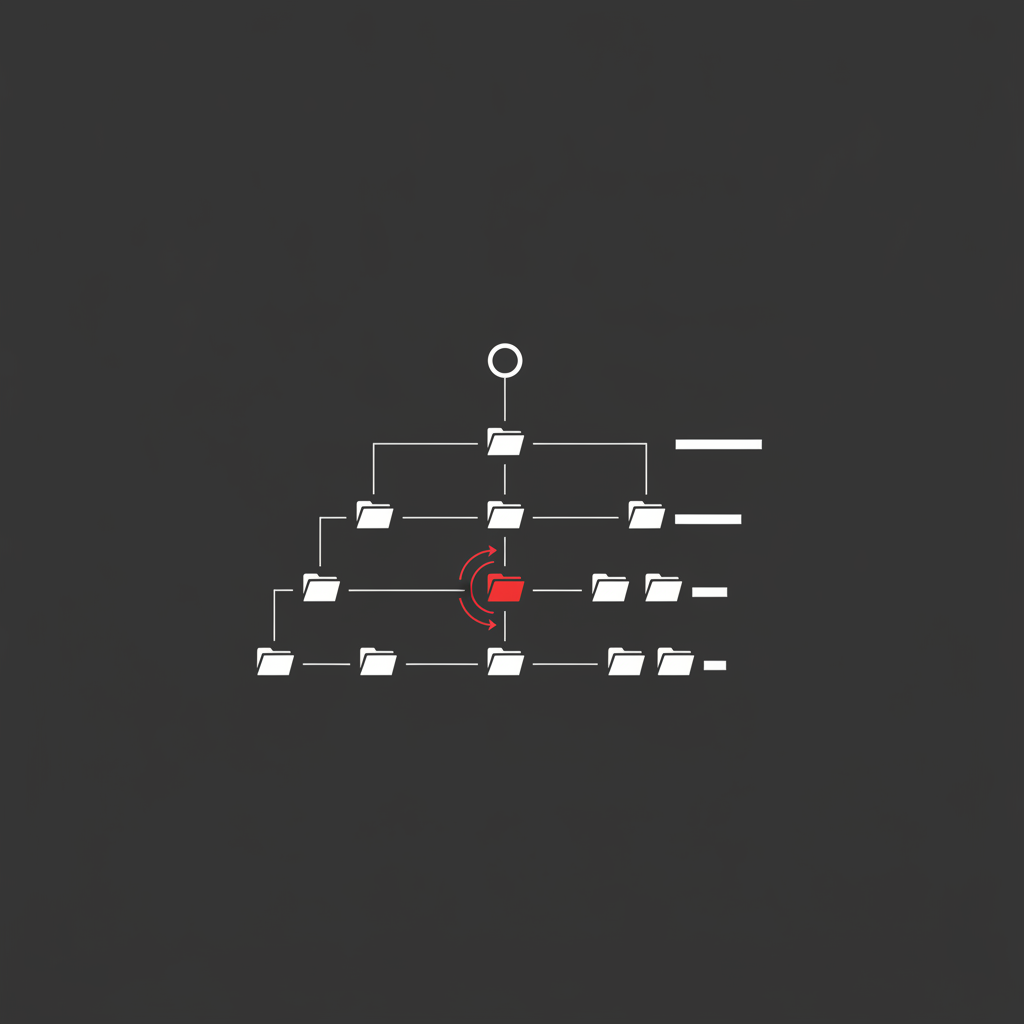
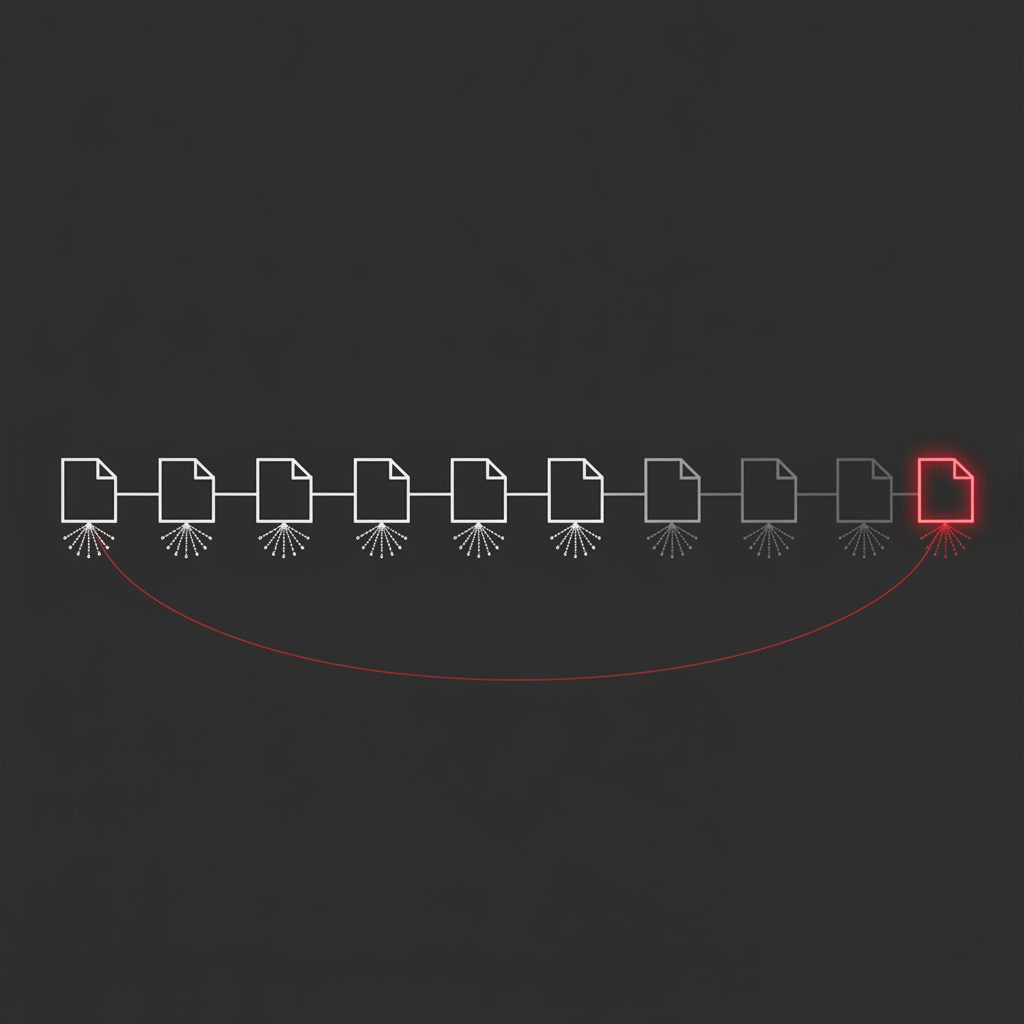
noindexon pages 2+. Then checkrobots.txtfor a disallow on your pagination parameter — a surprisingly common leftover from a faceted navigation cleanup. - Count the clicks from the homepage to the last page in your largest category. If a category runs to 40 pages and only shows links to pages 1–3 plus “next”, the last page sits 37 clicks deep. That is functionally unreachable regardless of how correct your tags are.
- Confirm each paginated page has a unique title. Appending the page number is enough.
Step 6 is the one people skip, and it is often the real constraint. Correct markup on a page buried 37 levels deep changes nothing. Widening the pagination control to expose first, last, and a range of numbered pages collapses that depth dramatically — the same structural logic that governs internal linking everywhere else on the site.
How to verify Google is actually crawling deep pages
Passing the audit means the implementation is correct. It does not prove Google is acting on it. Verification is where most pagination work stops too early, and it is a core part of any serious technical SEO engagement.
Start with the URL Inspection tool in Search Console on a specific deep paginated URL — page 8, not page 2. Check whether it is indexed, and read the “Referring page” field: it tells you which URL Google used to discover it. If discovery came only from your sitemap and never from an internal link, your crawl path is broken even though the page is indexed.
Then check the Page Indexing report for the pattern. Paginated URLs appearing in bulk under “Crawled – currently not indexed” is normal and usually fine. The same URLs under “Discovered – currently not indexed” is the warning sign: Google knows they exist and has decided they are not worth fetching, which points at a crawl budget or site quality constraint rather than a pagination bug. The distinction is worth understanding properly — I covered it in the crawled but not indexed guide.
Log file analysis settles it definitively. Filter your server logs for Googlebot hits against your pagination pattern and plot the distribution by page depth. On a healthy site the curve declines gradually. On a broken one it falls off a cliff after page 2 or 3 — which tells you exactly where crawlers stop, and how much of your catalogue sits beyond that line.
Applying pagination SEO best practices well is unglamorous work: unique URLs, real anchor links, self-referencing canonicals, and a verification pass to prove it landed. But it is the difference between a catalogue Google has seen and one it has not, and no amount of content or link building compensates for pages that were never crawled in the first place. If you want that checked properly across your site, that is what an SEO audit is for.
Frequently Asked Questions
Is pagination bad for SEO?
No — pagination is neutral, and it is usually better than the alternatives. Splitting a 400-product category into paginated pages is how you keep pages fast and crawlable without loading everything at once. Pagination only becomes an SEO problem when the implementation breaks crawl paths: JavaScript-only links, canonicals pointing back to page 1, or noindex tags on the deeper pages. Fix the implementation and pagination costs you nothing.
Should paginated pages canonical to page 1?
No, and this is the single most damaging pagination mistake I find in audits. Each paginated page should carry a self-referencing canonical pointing at itself. Canonicalising page 2, 3 and 4 back to page 1 tells Google those pages are duplicates that should not be indexed, which also devalues every link path that runs through them — including the only route to products that appear on page 7. Use self-referencing canonicals and let each page stand on its own.
Does Google still use rel=next and rel=prev?
No. Google announced in March 2019 that it had stopped using rel=next and rel=prev as an indexing signal, and confirmed it had not been using them for some years before the announcement. Implementing them on a new site in 2026 is wasted development time. They cause no direct harm if already present, so there is no urgency to strip them out, but they should never be part of a new build.
Is infinite scroll bad for SEO?
Infinite scroll is bad for SEO when it is the only way to reach the content. Google’s crawlers do not scroll and do not click buttons, so anything that loads on a scroll or tap event is invisible to them. The fix is not to abandon infinite scroll but to build a paginated series underneath it: real URLs, real anchor links, server-rendered. Users get the scroll, crawlers get the pages.
Should paginated pages be in your XML sitemap?
Generally no. Sitemaps are for the canonical destination URLs you want ranking — your products, articles and category landing pages. Paginated pages are crawl paths, not destinations, and stuffing them into a sitemap dilutes it without improving discovery. The exception is a very large site where deep pages are genuinely not being reached; there, listing them temporarily can help Google find the layer beneath while you fix the underlying internal linking.